From "it's built" to "we own it"
One lifecycle, five states, and an audit trail that survives the questions asked three months later.
Each stage produces what the next one needs
| Stage | Who drives it | What happens | What it leaves behind |
|---|---|---|---|
| Planning | Transition manager | A service record is created in the project — name, criticality, target go-live date, and optionally the JSM request it came from. | The service appears on the Transition Hub and the portfolio. |
| In transition | Transition manager · Ops lead | An assessment starts from a template and is scored criterion by criterion with notes and evidence. In parallel, the transition plan is built out across phases with owners and due dates. | A weighted readiness score, a per-category breakdown, and a plan health of On Track / At Risk / Late. |
| Gate | Service delivery manager · Ops lead | The gate decision is recorded: Go, Conditional Go with conditions, or No-Go with the reasons. The score at that moment is snapshotted into the decision. | An immutable audit record, optionally mirrored as a comment on the linked request. |
| Early-life support | Ops lead · Service desk | The ELS window opens with exit criteria and an incident JQL. Daily snapshots build a trend. Criteria are ticked off as they are genuinely met, and the window can be extended with a recorded reason. | Evidence that the service is behaving, or evidence that it is not. |
| Live | Ops lead | Handover to BAU is signed off. Mandatory criteria must be met, or an override is recorded with its reason and the criteria it bypassed. | The service moves to Live with a go-live date, and drops out of the in-transition view. |
Getting set up takes an afternoon
Install from the Marketplace
Nothing to host, no keys to exchange, no network rules to open. The app runs on Atlassian's own infrastructure.
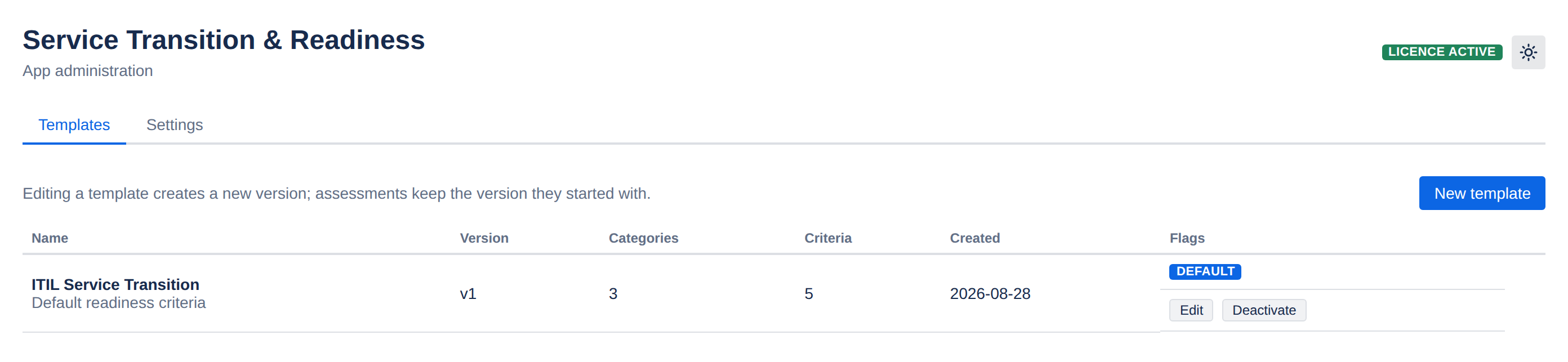
Build your readiness template
Start from the seeded ITIL-flavoured criteria and edit them into your organisation's language, or write your own categories from scratch.
Set thresholds and defaults
RAG bands, the default ELS length, and the default plan phases — globally, with per-project overrides where a team works differently.
Add your first service
Existing transitions can be dropped in mid-flight; you do not have to start a service at the beginning to track it.
The project view your transition managers live in
Every service in the project with its readiness, gate, plan health and target go-live — then one click into the detail.

Rollups you do not have to maintain
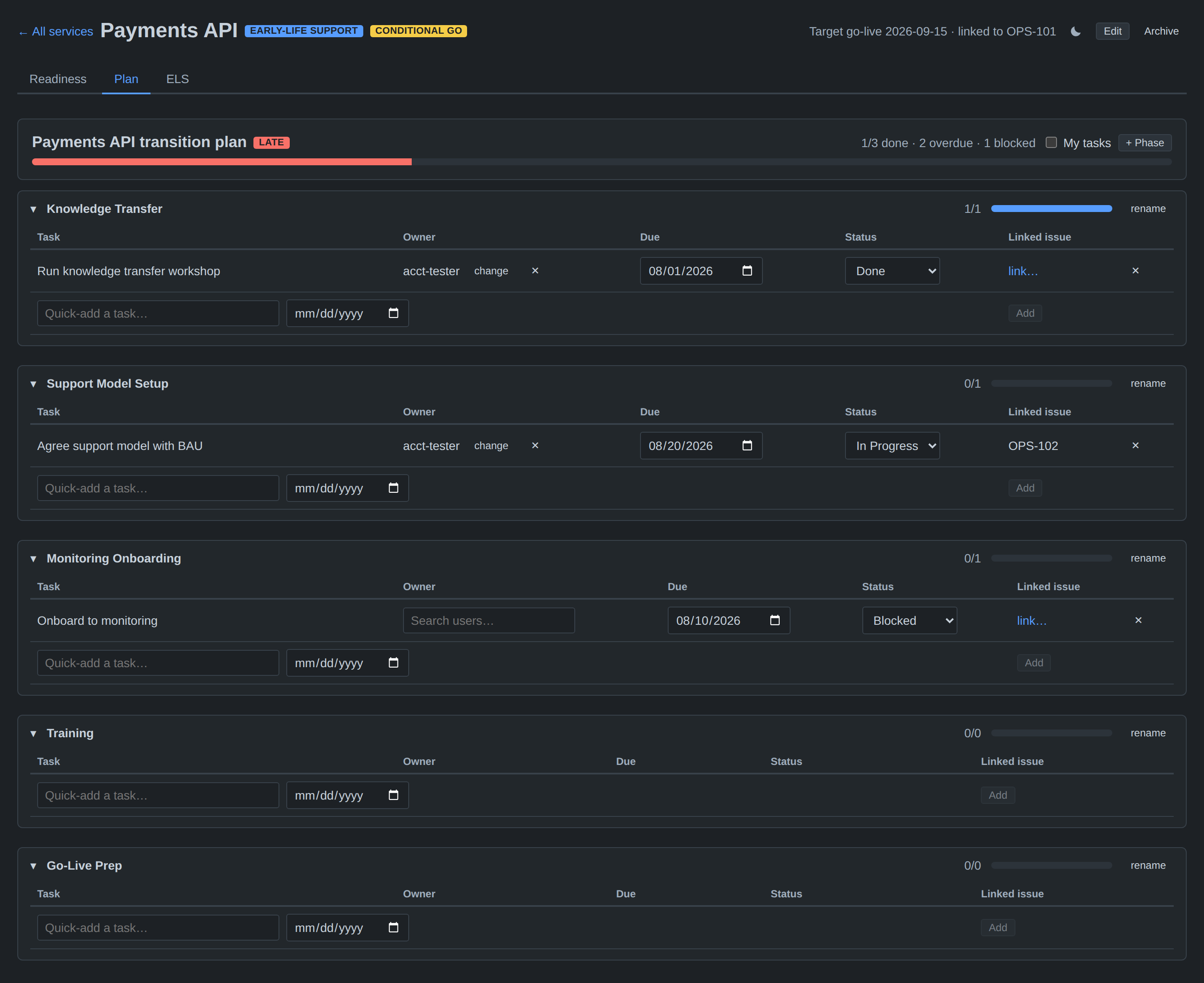
Plan health is derived, not typed. Change a task's status or due date and the phase progress, the plan health and the portfolio row all move with it.
Two rules that make the audit trail worth having
Gate decisions are immutable
There is no edit and no delete path for a gate decision — not in the interface, and not in the API behind it. A changed mind is a new decision appended to the history, which means the record of what was agreed, and when, cannot be quietly rewritten.
Attribution is server-side
Who scored a criterion, who ticked an exit criterion and who signed off are taken from the authenticated Atlassian session, never from whatever the browser sent. A crafted request cannot attribute a sign-off to somebody else.
See it against your own transition process
The fastest way to judge fit is to load one of your in-flight services and score it.
Free for small teams · 30-day evaluation on every paid tier